
AI Operations CentreDijilab Core
Learns Your Company
Work like a team without hiring one.
Core is the layer that knows your company and organises the work. AI builds the strategy, SEO, social and advertising plan, assigns the right specialist and tracks the job. Production stays with you and your team — the system is the part that decides, plans and remembers.
4,999 ₺/month · no commitment
Sound familiar?
- You have a team but nobody knows who holds what, or at what stage.
- Every month you decide what to do from scratch.
- Agency quotes come back bigger than the problem.
- You want to use AI but do not know where to start.
What you get
The work included in the monthly fee. All of it runs from the panel and each item shows up in the report — what we call "included" is work you can measure.
- 01Company Memory
- 02AI team management and task assignment
- 03SEO, social media and advertising plan
- 04Dashboard, task tracking and monthly report
- 05Store modules purchased separately
- 06Brand memory setup and upkeep
- 07Approval flow and revision rounds
- 08Per-channel measurement and monthly comparison
- 09Capacity that grows as new tools appear
Use it first, decide after
The whole panel is yours for 14 days, with AI production open for the first 7. No card required; your name and email are enough. You walk the screens and try the production yourself — when the time is up the trial simply closes, nothing turns into a charge.
How it works
Five steps. You see what happens at each one, and nothing goes live without your approval.
- 1
Learns the company
What you sell, who you sell it to and how you speak. Setup starts with a short interview.
- 2
Commits it to memory
Everything it learns goes into brand memory. You never explain it twice.
- 3
Assigns the right specialist
Whichever field the job belongs to, that field's AI specialist takes it — content, SEO, design, data.
- 4
Produces and applies
Work comes out, reaches you, you approve it. Approved work goes live.
- 5
Measures and improves
Results are written back into brand memory, so the system gets more accurate every month.
Screens in the system
The places you actually work in. What follows are schematics — they show the layout, not data. You walk the screens themselves in your free trial.
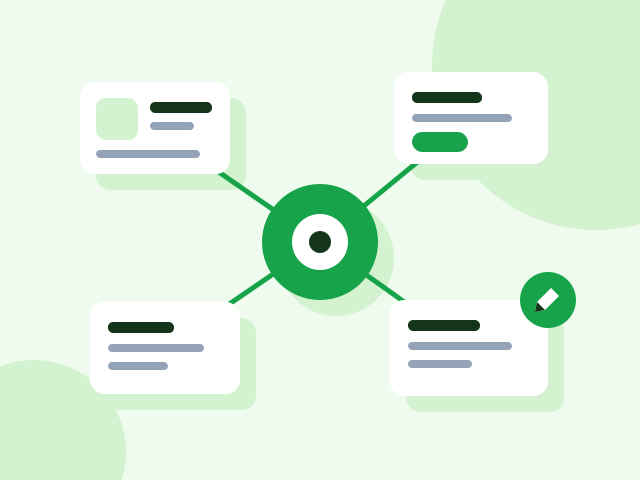
Brand memory
Everything the system knows about your company. Read it, correct it, add to it.

Task board
Which job sits with whom and at what stage, with anything awaiting your approval kept separate.

Library
Where the images, videos and documents you bring are kept; posts are fed from here. In Core production is yours, so this is the address of the creative.

Measurement panel
What each piece of work returned, by channel and by month.
What is in the panel
The panel's own menu. All of it comes with every package, even the smallest. The only difference between packages is Creative Studio — whether production happens inside the panel.
What is in the panel
Twenty-four screens. All of them open, even in the smallest product.
What follows are not marketing headlines; they are the panel's actual screens and what each one does. There is no module difference between the products — the only thing that changes is whether the production screen, Creative Studio, is open.
Daily work
One screen tells you where things stand when you sit down.
Dashboard
Work due today, work running late, items waiting on your approval and the latest activity, all on one screen. Upcoming key dates sit here too, so the campaign calendar never takes you by surprise.
Tasks
Every job has an owner, a start date, a due date and a state. Filter by assigned to you, waiting, or has an open revision; hide what is finished. If a job is unclear you ask for clarification, and it does not move until the answer arrives.
Projects
Jobs are grouped under clients and projects rather than floating alone. Active projects stay separate, so which job belongs where is never lost.
Live Office
Shows what your agency is doing right now: which job is open and which specialist is on it. You look instead of waiting for a report.
Approval and communication
Nothing publishes without your approval — there is one gate.
Approval Center
Everything produced lands here first. Approve and it publishes; ask for changes and it goes back to production with your note. You decide which kinds of work may auto-approve, and cover art is always asked about.
Messaging
Conversations live under the job instead of getting lost in email. You can send an image, say "review this", and see the response in the same place.
Meeting Room
The panel generates a meeting link and shares it as an invitation. It connects to Google Calendar, so meetings do not move to a separate tool.
Calendar
Deliveries and meetings on one calendar. See open slots and request a meeting; delivery dates land automatically with the jobs.
The company's memory
Every job starts from today, not from scratch.
Company Memory
Brand decisions, preferences, past work and what has been learned are kept as lasting records. Each record carries a confidence level; you can correct or archive it. Production feeds from here.
Strategy & Brand
Brand voice, audience, positioning and visual rules in one place. When a new specialist joins the work, nobody has to explain it all again.
Library
Your images, video and documents live here, and posts and production draw on them. Upload files or connect an external source. A desktop agent (Mac and Windows) syncs your folders with the panel.
Company Details
Legal name, tax office, address, founding year, headcount, social accounts. Quotes and invoices stop asking for the same details over and over.
Channels and measurement
Published work is not left where it landed.
Social Media
A workspace per brand, with account access managed separately on the agency and client side. Publishing queue, community and performance in the same place.
SEO
Site by site: technical audit, keyword and content plan, rank tracking. Visibility inside AI answers sits under this heading too.
Reports
Weekly and monthly summaries are prepared on their own. Which channel actually brings work is on one screen, and the report states measurements, not guesses.
Digital Marketing
Ad plan, budget tracking and campaign setup in the panel. The ad budget itself is what you pay the platform directly, and it stays yours.
The business's own tools
Any repeating job can become a module.
Business Tools
Small applications inside the panel: quote building, a digital business card and the like. If what you need is not there you open a tool request, describe what you expect, and it gets written.
Directory
Your business directory lives in the panel: people, companies, notes. Filter by sector; it sits alongside quote and conversation history.
Knowledge Base
Company documents kept searchable in the system, so questions from inside get answered from here.
Members and permissions
Invite your colleagues and decide who approves what. Active sessions and security settings are in the same place.
And the production screen: Creative Studio
CLOSED in this product. You bring the production; all twenty-three screens above stay open. If you want production handed over too, look at Auto.
Business Tools
The panel does not only run the work. It carries the business's own tools too.
Sending a quote, filling in a contract, tracking customers — instead of a separate subscription for each, you open them inside the panel. The catalogue holds close to fifty-four tools under nine headings; eight of them run in the panel today and the rest are written on request.
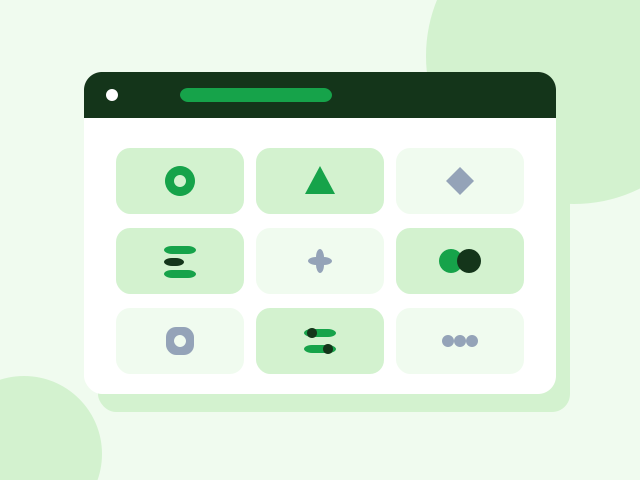
The eight tools running in the panel today
Quote Builder
Send a branded quote within minutes
One-off
Customer CRM
Who belongs to whom, which job sits with whom
Monthly
Content Production Module
Copy, images and video in your brand's voice
Monthly
SEO Analysis Module
Find what your site is losing, and fix it
Monthly
Custom Reporting Panel
The numbers of the work on one screen, no guessing
Setup + monthly
Company Knowledge Assistant
Find company information by asking
Setup + monthly
Contract Wizard
Fill a contract from a ready template and download it
One-off
Digital Business Card
A corporate card shared through one link
One-off
Nine headings in the catalogue
- Sales & CRM
- Finance & Collections
- Operations & Orders
- Stock & Purchasing
- Customer Experience
- Team & Field
- Data & Reporting
- Documents & Company Info
- Marketing & Growth
If what you need is not there, you have it written
When you want a tool from the catalogue you open a request: you describe what you expect, the scope is agreed, it gets written and added to your panel. Any repeating job can become a tool — including one specific to whatever your company actually does.
The first 30 days
So the start is never vague: what happens in which week is written down up front.
Week 1
The setup interview: what you sell, who you sell it to, how you speak. Brand memory is built from this.
Week 2
The memory is reviewed with you and the gaps filled. The first jobs land on the task board.
Weeks 3–4
A production rhythm settles. Approval time starts being measured, so any bottleneck shows in month one.
Who it is for
Companies with a small marketing team
Two or three people chasing the workload of ten. Core takes the coordination weight: planning, assignment and tracking stay in the system, and the team gets on with producing.
Anyone re-explaining the same thing monthly
Brand memory is built once and stays put even if the agency changes.
Teams working across scattered tools
Content in one place, measurement in another, approvals in email. Core pulls it into one panel.
What gets measured
The report arrives monthly and every line has a number behind it; I do not write sentences like “engagement improved”.
- Work produced
- How much content, design and campaign work shipped this month.
- Approval time
- The average gap between a job reaching you and being approved — this is where bottlenecks show.
- Result per channel
- What each channel returned, compared on the same measure.
- Memory coverage
- How much of what the system should know about your company is actually filled in.
What it does not do
The limits are written up front. Anything you find out after paying is never good news.
It does not replace people
You make the decisions. The system produces, sorts and suggests; approval stays with you.
It does not work without setup
The first week needs an interview and a brand memory build. Skip it and the output stays generic.
It is not agency management
Dijilab is made of four products; Core is the operating layer underneath them.
How it starts
- 01
Start the trial
Name and email is all it takes. No payment details, no setup fee.
- 02
Introduce your brand
The system learns your company, your voice and your goal.
- 03
See the first piece of work
The system prepares the first job; the moment you approve it, it goes live.
Common questions
Does it produce as well?+
No — Core plans and manages, production stays with you. If you want production handled too, look at Auto.
Does it work with my current team?+
Yes. Core does not replace your team; it is the layer that decides who does what and follows it through.
How long does setup take?+
Introducing your brand takes one session. Your first plan lands the same week.
Where is my data kept?+
In your own account. You can read, correct and export the brand memory.
Does it work alongside my current agency?+
Yes. Core is the management and measurement layer; if you have an agency you follow their work in the same panel — who produces does not change, the visibility does.
How many people can use it?+
You can invite your colleagues, and you decide who holds approval rights.
Other Dijilab products