
Search Engine Optimisation (SEO)Dijilab SEO
Google • AI Search
People are searching. They are not finding you.
Your customer is not searching for you; they are searching for the problem you solve. If you do not show up there, how good your work is stops mattering. Dijilab SEO fixes the technical base, finds the right keywords, produces the content and aims to get you seen not only on Google but inside AI answers.
2,999 ₺/month · no commitment
Sound familiar?
- You rank for your company name, not for what you actually do.
- The site is slow and nobody tracks its technical errors.
- A blog was started, three posts went up, then it was forgotten.
- Competitors sit above you and you do not know what they do differently.
Two ways to work
What you get
The work included in the monthly fee. All of it runs from the panel and each item shows up in the report — what we call "included" is work you can measure.
- 01Technical SEO audit and fixes
- 02Keyword and content plan
- 03Rank and competitor tracking
- 04Visibility inside AI answers (GEO)
- 05Monthly report and recommendations
- 06On-page work: titles, meta, internal linking
- 07Structured data (schema) setup
- 08Page speed and mobile fit tracking
- 09Broken link and redirect audits
No website yet? Dijilab builds that too
SEO only works properly when the site itself can be reached. On a site Dijilab codes, the technical fixes, the speed work, the structured data and the page structure are applied directly — on an off-the-shelf setup most of that is either impossible or means waiting on someone else for every change. Add it as a corporate site or an e-commerce site; it stays live for as long as the subscription runs and closes when the subscription ends. A domain name is not included.
See the website optionsUse it first, decide after
The whole panel is yours for 14 days, with AI production open for the first 7. No card required; your name and email are enough. You walk the screens and try the production yourself — when the time is up the trial simply closes, nothing turns into a charge.
How it works
Five steps. You see what happens at each one, and nothing goes live without your approval.
- 1
Scans the site
Technical faults, page speed, structured data and an inventory of your existing content.
- 2
Finds the searches
The phrases your customers actually type, plus the searches competitors win and you miss.
- 3
Writes the plan
Which page targets which search, which article gets written, which technical fix comes first.
- 4
Produces and publishes
Content is written and technical fixes are shown to you first. Nothing you have not approved reaches the site.
- 5
Tracks position
Your place on Google, and whether AI answers cite you as a source, checked weekly.
Screens in the system
The places you actually work in. What follows are schematics — they show the layout, not data. You walk the screens themselves in your free trial.
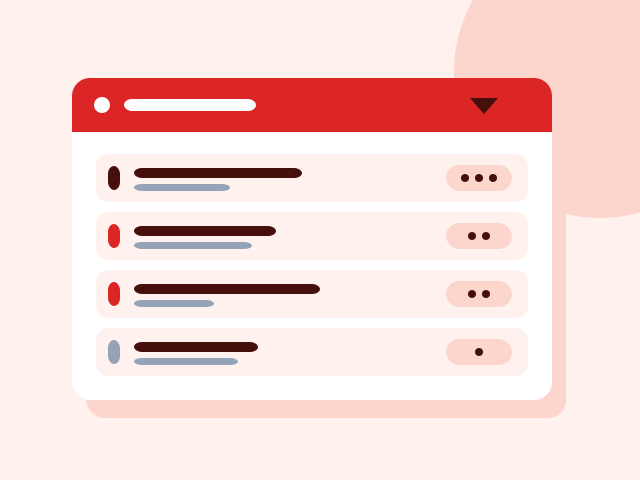
Technical audit
Every fault ranked by importance, with a plain explanation of what it means.

Keyword table
Phrase, monthly searches, difficulty and your current position in one table.
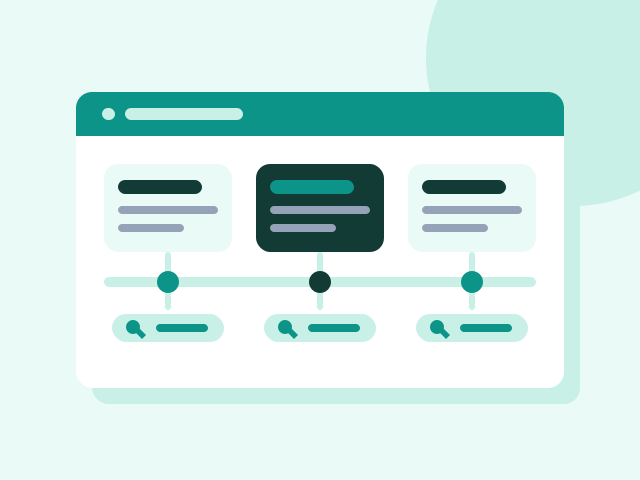
Content plan
What gets published when, and which search it targets.
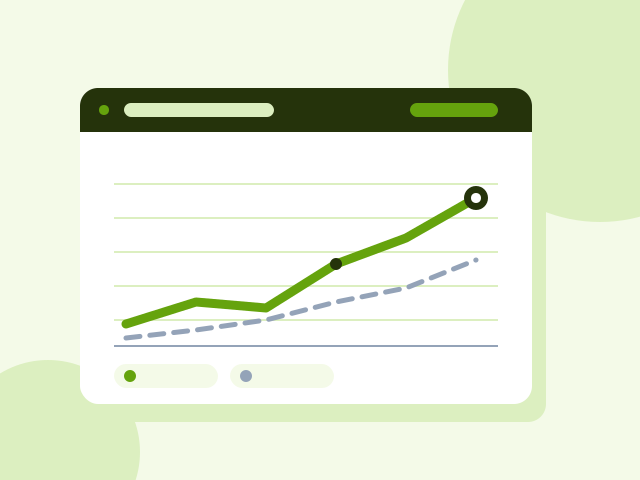
Rank tracking
Movement over time, with AI visibility drawn as its own line.
What is in the panel
The panel's own menu. All of it comes with every package, even the smallest. The only difference between packages is Creative Studio — whether production happens inside the panel.
What is in the panel
Twenty-four screens. All of them open, even in the smallest product.
What follows are not marketing headlines; they are the panel's actual screens and what each one does. There is no module difference between the products — the only thing that changes is whether the production screen, Creative Studio, is open.
Daily work
One screen tells you where things stand when you sit down.
Dashboard
Work due today, work running late, items waiting on your approval and the latest activity, all on one screen. Upcoming key dates sit here too, so the campaign calendar never takes you by surprise.
Tasks
Every job has an owner, a start date, a due date and a state. Filter by assigned to you, waiting, or has an open revision; hide what is finished. If a job is unclear you ask for clarification, and it does not move until the answer arrives.
Projects
Jobs are grouped under clients and projects rather than floating alone. Active projects stay separate, so which job belongs where is never lost.
Live Office
Shows what your agency is doing right now: which job is open and which specialist is on it. You look instead of waiting for a report.
Approval and communication
Nothing publishes without your approval — there is one gate.
Approval Center
Everything produced lands here first. Approve and it publishes; ask for changes and it goes back to production with your note. You decide which kinds of work may auto-approve, and cover art is always asked about.
Messaging
Conversations live under the job instead of getting lost in email. You can send an image, say "review this", and see the response in the same place.
Meeting Room
The panel generates a meeting link and shares it as an invitation. It connects to Google Calendar, so meetings do not move to a separate tool.
Calendar
Deliveries and meetings on one calendar. See open slots and request a meeting; delivery dates land automatically with the jobs.
The company's memory
Every job starts from today, not from scratch.
Company Memory
Brand decisions, preferences, past work and what has been learned are kept as lasting records. Each record carries a confidence level; you can correct or archive it. Production feeds from here.
Strategy & Brand
Brand voice, audience, positioning and visual rules in one place. When a new specialist joins the work, nobody has to explain it all again.
Library
Your images, video and documents live here, and posts and production draw on them. Upload files or connect an external source. A desktop agent (Mac and Windows) syncs your folders with the panel.
Company Details
Legal name, tax office, address, founding year, headcount, social accounts. Quotes and invoices stop asking for the same details over and over.
Channels and measurement
Published work is not left where it landed.
Social Media
A workspace per brand, with account access managed separately on the agency and client side. Publishing queue, community and performance in the same place.
SEO
Site by site: technical audit, keyword and content plan, rank tracking. Visibility inside AI answers sits under this heading too.
Reports
Weekly and monthly summaries are prepared on their own. Which channel actually brings work is on one screen, and the report states measurements, not guesses.
Digital Marketing
Ad plan, budget tracking and campaign setup in the panel. The ad budget itself is what you pay the platform directly, and it stays yours.
The business's own tools
Any repeating job can become a module.
Business Tools
Small applications inside the panel: quote building, a digital business card and the like. If what you need is not there you open a tool request, describe what you expect, and it gets written.
Directory
Your business directory lives in the panel: people, companies, notes. Filter by sector; it sits alongside quote and conversation history.
Knowledge Base
Company documents kept searchable in the system, so questions from inside get answered from here.
Members and permissions
Invite your colleagues and decide who approves what. Active sessions and security settings are in the same place.
And the production screen: Creative Studio
Depends on the option: it opens in the creative option and comes with a monthly AI production credit; in the other, you bring the production.
Business Tools
The panel does not only run the work. It carries the business's own tools too.
Sending a quote, filling in a contract, tracking customers — instead of a separate subscription for each, you open them inside the panel. The catalogue holds close to fifty-four tools under nine headings; eight of them run in the panel today and the rest are written on request.
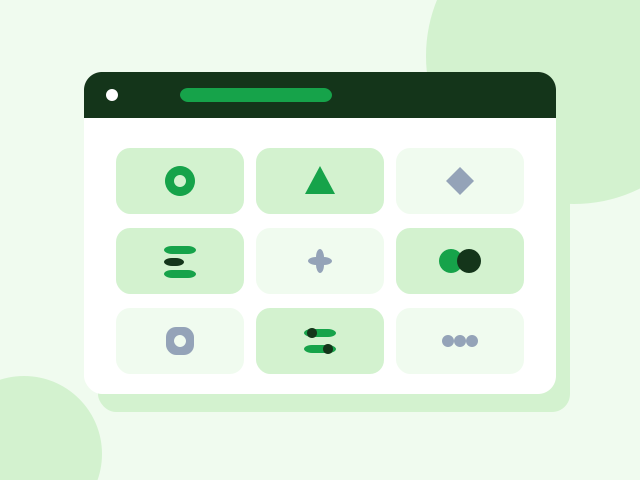
The eight tools running in the panel today
Quote Builder
Send a branded quote within minutes
One-off
Customer CRM
Who belongs to whom, which job sits with whom
Monthly
Content Production Module
Copy, images and video in your brand's voice
Monthly
SEO Analysis Module
Find what your site is losing, and fix it
Monthly
Custom Reporting Panel
The numbers of the work on one screen, no guessing
Setup + monthly
Company Knowledge Assistant
Find company information by asking
Setup + monthly
Contract Wizard
Fill a contract from a ready template and download it
One-off
Digital Business Card
A corporate card shared through one link
One-off
Nine headings in the catalogue
- Sales & CRM
- Finance & Collections
- Operations & Orders
- Stock & Purchasing
- Customer Experience
- Team & Field
- Data & Reporting
- Documents & Company Info
- Marketing & Growth
If what you need is not there, you have it written
When you want a tool from the catalogue you open a request: you describe what you expect, the scope is agreed, it gets written and added to your panel. Any repeating job can become a tool — including one specific to whatever your company actually does.
Creative Studio
Produce, assemble, publish. All on one screen.
This screen is the only difference between the packages. AI produces the image, the audio and the video; you combine them on a timeline at the edit desk; the finished video goes straight from the panel to social media. No downloaded files, no second program to open, no agency to wait for.
Produce
Write what you want: an image, audio, a short video or copy. You pick the model and the size, the job joins the queue and lands in your library when it is done. Every generation draws on your monthly AI credit, and the balance stays on screen.
Assemble
The edit desk is a timeline: order the scenes, set their durations, lay text and audio over them. A scene can come from what you generated, from the library or from your own computer — one and the same door.
Publish
The video renders in the panel and lands in Social Media as a draft together with its caption. From there you publish it — or turn the creative that worked into an ad. The measurement is already in the same panel.
Creative Studio is open in Auto and in the creative option of Social/SEO. It is not in Core — Core manages production, it does not produce.
Opening SoonThe first 30 days
So the start is never vague: what happens in which week is written down up front.
Week 1
The technical scan runs and faults are ranked by importance. Keyword research begins.
Week 2
Technical fixes reach you and the approved ones are applied. The content plan is drawn up.
Weeks 3–4
The first pieces are published and rank tracking starts. The technical score moves this month; content effects come later.
Who it is for
Companies with a site that never ranks
The site exists and so does the content, but the technical base or the targeting is wrong. This is the most common case.
Brands sitting below a competitor
What the competitor does differently gets measured and written into the plan, rather than guessed at.
Anyone who wants to appear in AI answers
Search is no longer only Google. The GEO work targets that second channel.
What gets measured
The report arrives monthly and every line has a number behind it; I do not write sentences like “engagement improved”.
- Organic clicks
- Visitors arriving from search, kept separate from paid traffic.
- Keyword positions
- Your position for every targeted phrase, and how it moved this week.
- Technical score
- Speed, mobile fit, structured data and error count in a single number.
- AI visibility
- How often you are cited as a source in the questions people ask.
What it does not do
The limits are written up front. Anything you find out after paying is never good news.
It does not promise page one in month one
Technical fixes show within weeks; ranking driven by content usually settles after three months.
It does not buy backlinks
A bought link helps briefly and brings the penalty later.
It does not change your site behind your back
Every technical fix is shown to you first, and nothing unapproved goes live.
How it starts
- 01
Start the trial
Name and email is all it takes. No payment details, no setup fee.
- 02
Introduce your brand
The system learns your company, your voice and your goal.
- 03
See the first piece of work
The system prepares the first job; the moment you approve it, it goes live.
Common questions
How long until I see results?+
Technical fixes show within weeks; content-driven ranking usually settles after three months. That is stated upfront because anyone who says otherwise is selling something.
What does GEO mean?+
AI assistants are now used like search engines. GEO is the work of being cited as a source inside those answers.
Will you touch my current site?+
For technical fixes yes, but every change is shown to you first. Nothing goes live without your approval.
Can I stop whenever I want?+
Yes, monthly and with no commitment.
How do you pick my competitors?+
Whoever you consider a competitor is taken, plus whoever ranks above you for your target phrases — those two lists are often not the same.
Who writes the content?+
You or our creative agents, depending on the option you choose. Either way the plan comes from the same place.
What if my ranking drops?+
The cause is separated out first: an algorithm update, a technical regression or a competitor move. The report says which, rather than guessing.
Other Dijilab products