
Custom tools
You don't bend to the software; the software bends to you.
Every repeating task turns into a module. The better the system knows your brand, the more modules are added to speed your work up.
12
ready modules
0 ₺
extra subscription
made for you
every one of them
Sales and customers
The line from first contact to proposal, and from proposal to follow-up.
Company phone directory
A company list filtered by sector; search and keep notes.
Proposal builder
Line-by-line pricing, PDF proposals and delivery tracking.
Appointment module
Shows available times, confirms them and sends reminders.
Price calculator
Enter the variables and get cost and sale price instantly.
Customer tracking module
Call history, stage and the next step on one screen.
Orders and data
The repetitive work around products, orders and documents.
Order tracking system
Order status, delivery date and customer notifications.
Product data management
Manage product name, attributes, images and stock from one place.
Excel and data editor
Edit, clean and export large tables right in the browser.
Document processing system
Reads PDFs and invoices, extracts the fields and fills a table.
Content and decisions
Modules that speed up production and tie decisions to numbers.
Content production tool
Writes copy in the brand's voice and adapts it per channel.
Custom reporting panel
Metrics specific to your company; an automatic weekly summary.
AI assistant built for your company
Connected to the company memory; answers questions from inside.
Not on the list?
Whatever repeats in your company, it gets built for you.
How a tool gets built
Four steps. None of them is a surprise, and each one ends with something you can actually look at.
- 1
The work is watched
Who does the repeating job, when, and with which tool — written down one by one. Often this is where it turns out part of the job was never needed.
- 2
A draft is shown
A working draft is built and you use it. Not a screenshot, a version you genuinely click through.
- 3
It goes into use
Your team starts using it. The first week is watched closely and small fixes land the same week.
- 4
It stays maintained
When the process changes, the tool changes. An unmaintained internal tool becomes a tab nobody opens within a year.
When a custom tool makes sense
The work repeats
A job done several times a month pays for itself far faster than a one-off ever will.
The rules can be written
Any job you can describe as "when this happens, that follows" can be automated. If you cannot describe it, the process needs clearing up first.
Off-the-shelf does not fit
If a product already covers it, that is what gets recommended. A custom tool earns its place where the ready-made one does not do your job.
When it is not a fit
A once-a-year job
Building and maintaining it costs more than the time it saves. In a case like that the answer is plainly "not worth it".
An unsettled process
Turning a job that changes monthly into a tool means changing the tool monthly. Let the process settle first.
Where a product does it better
Accounting, email and calendars have mature products. Dijilab connects to them rather than competing with them.
Tool screens
Examples from tools already built. What follows are schematics — they show the layout, not data.

Quote builder
Line-by-line pricing and a PDF quote in one click.
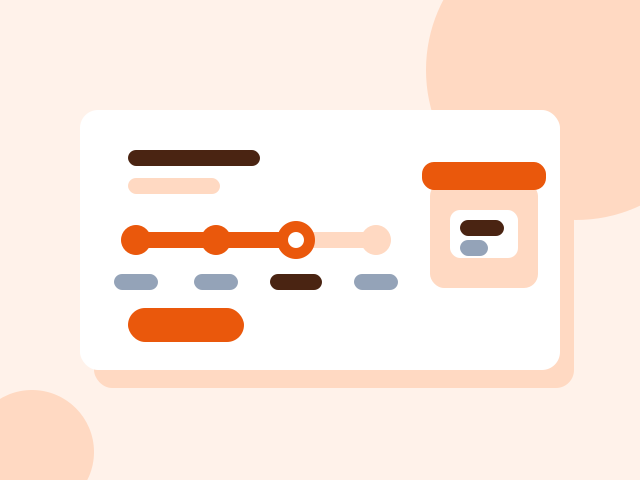
Order tracking
Which stage an order is at, and what the customer is told.

Company assistant
A panel that answers questions from the company's own documents.