Business Tools
Appointment Module
Online booking and calendar
450 ₺ / one-time
Prices include VAT; the price shown is the total you pay.
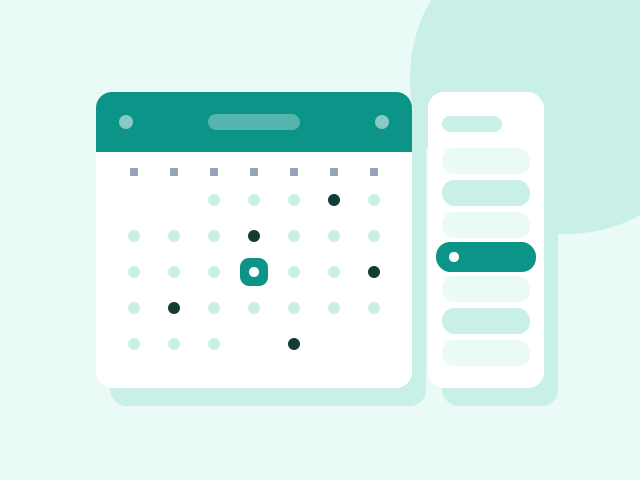
Your customers see the available times and book an appointment; confirmations and reminders go out automatically. Your calendar always stays up to date.
Approval before delivery + 2 revisions: One-time products are not refundable; you approve the work before delivery and two rounds of revisions are included. Your statutory rights are reserved. Details: Refund Terms
Secure payment
Buy now takes you to your Dijilab panel. You open your account and pay on a secure payment page; the product shows up in your panel.
What's included
- Online calendar
- Automatic reminders
- WhatsApp notification
- Double-booking protection
In an appointment business the day fills with messages asking about a free slot tomorrow afternoon. Someone checks the diary, writes the booking down, then sends reminders one by one in the evening. Appointment Module moves that traffic onto a web calendar. Clients see open slots online and book themselves. Confirmations and reminders go out automatically, and no slot can be booked twice. The calendar lives in your Dijilab panel and updates with every booking.
Who is it for?
- Salons, clinics, studios and consultants whose day runs on appointments
- Teams keeping bookings in phone notes, WhatsApp and a diary, then trying to match all three
- Owners tired of no-shows who still send reminders by hand
- Businesses that want clients to book outside working hours too
Who is it not for?
- One or two appointments a day? The calendar app on your phone will do.
- Want an app that clients install on their phones? See the Appointment app in the Store.
What is delivered?
- Online calendar: the slots clients see and the calendar you see share one source.
- Self-service booking: clients pick a free slot and book without calling.
- Automatic confirmation: sent the moment a booking is made.
- Automatic reminders: sent before the appointment, so nobody chases clients by hand.
- WhatsApp notifications: client messages can go out over WhatsApp; the sending number is set at setup.
- Double-booking protection: a taken slot cannot be picked again.
- Calendar in the panel: bookings appear under Business Tools in your Dijilab panel.
How does the process work?
- 1PurchaseChoose Appointment Module in the Store. Purchase and payment happen in the Dijilab panel (panel.dijilab.app).
- 2Calendar rulesYour booking days and hours, and the services clients can book, are agreed; the calendar follows those rules.
- 3NotificationsConfirmation and reminder wording is settled, plus the number WhatsApp messages come from.
- 4Test and approvalBefore delivery you make a test booking and see what the client sees. Approval before delivery + 2 revisions; your statutory rights are reserved.
- 5Go liveAfter approval the calendar opens for bookings; the address clients use to reach it is decided at setup.
Works well with
- Customer Tracking (CRM) — Keeps the record, notes and next follow-up for each client who books.
- Dijilab Social — Points people who find you on social media to the calendar, not the phone.
- Appointment App — For bookings through a separate app on the client's phone.
- Dijilab Core — With Core, bookings sit in the same panel as company memory, the task board and the monthly report.
Frequently asked questions
How is it different from the Appointment app?
Appointment Module runs on the web and connects to your Dijilab panel; clients book online. The Appointment app in the Store is a separate mobile app for iOS and Android. If you would rather clients install nothing, the module does the job; if you want an app on their phones, choose the other product.
Which channel do reminders go out on?
WhatsApp notifications are among the module's features. Confirmations go out when a booking is made and reminders before the appointment, both automatically. The sending number and message wording are settled with you at setup. Another channel would be separate work, scoped in writing first.
Can two bookings land on the same slot?
No. Double-booking protection removes a slot from the client's choices the moment it is taken. Add phone bookings to the calendar too and they will not clash with online ones. With the calendar as the single source, nobody on the team gives one hour to two people.
How do revisions and refunds work?
Appointment Module is a one-time product. Approval before delivery + 2 revisions; your statutory rights are reserved. Calendar rules, message wording and the client's screen all reach you before delivery, so that is the moment to flag changes. The Refund Terms page has the details.
Comments
No comments yet. Be the first to write one.
From the same category